Scan to Download
Click Wood is a calm mahjong solitaire game built around wooden tiles; Click Wood focuses on relaxed, screen-friendly play; Click Wood removes timers and pressure so players can match tiles at their own pace. This introduction outlines the gameplay, controls, progression and accessibility features so you can decide whether the experience matches your needs for gentle brain training and evening relaxation.
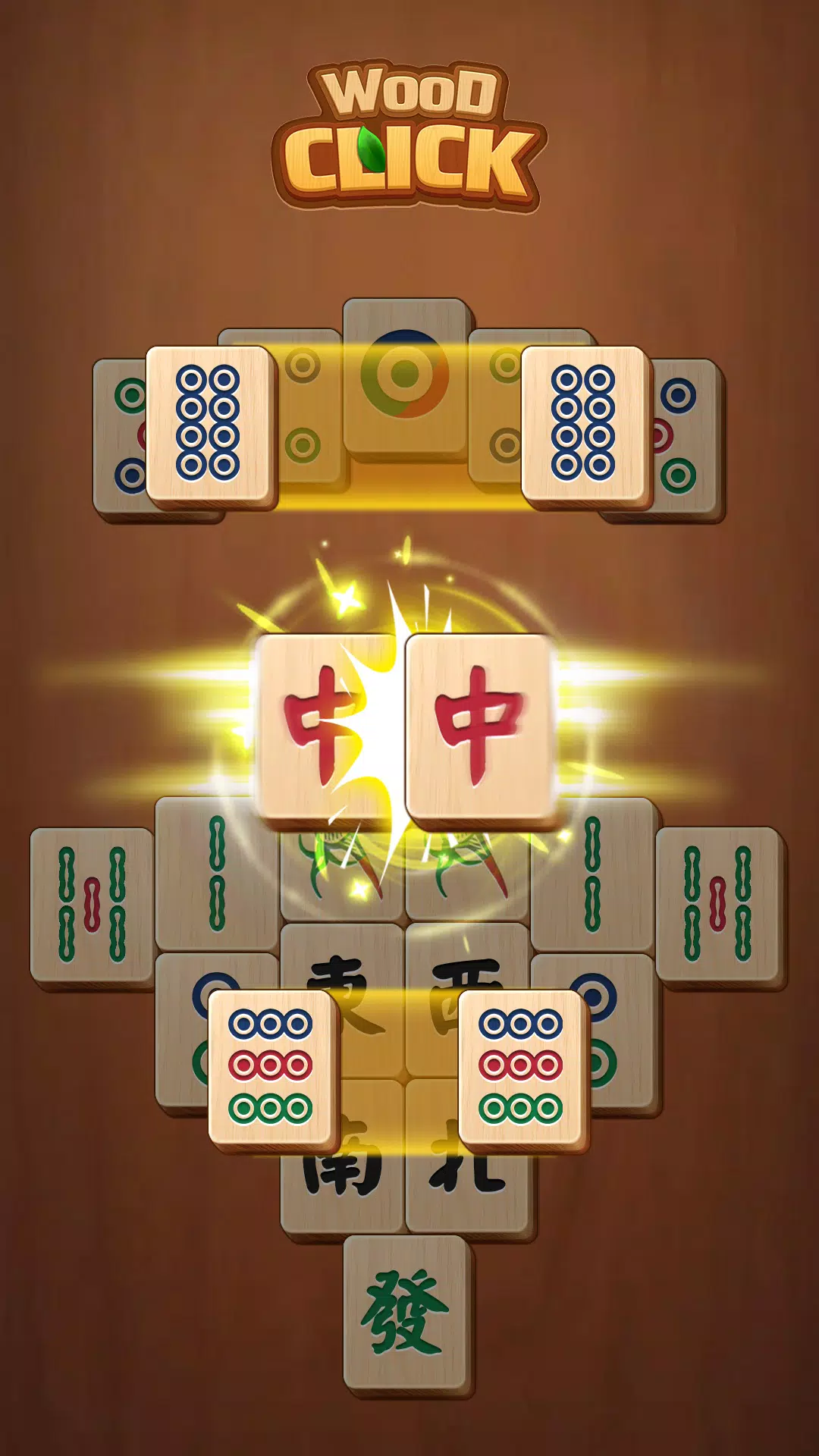
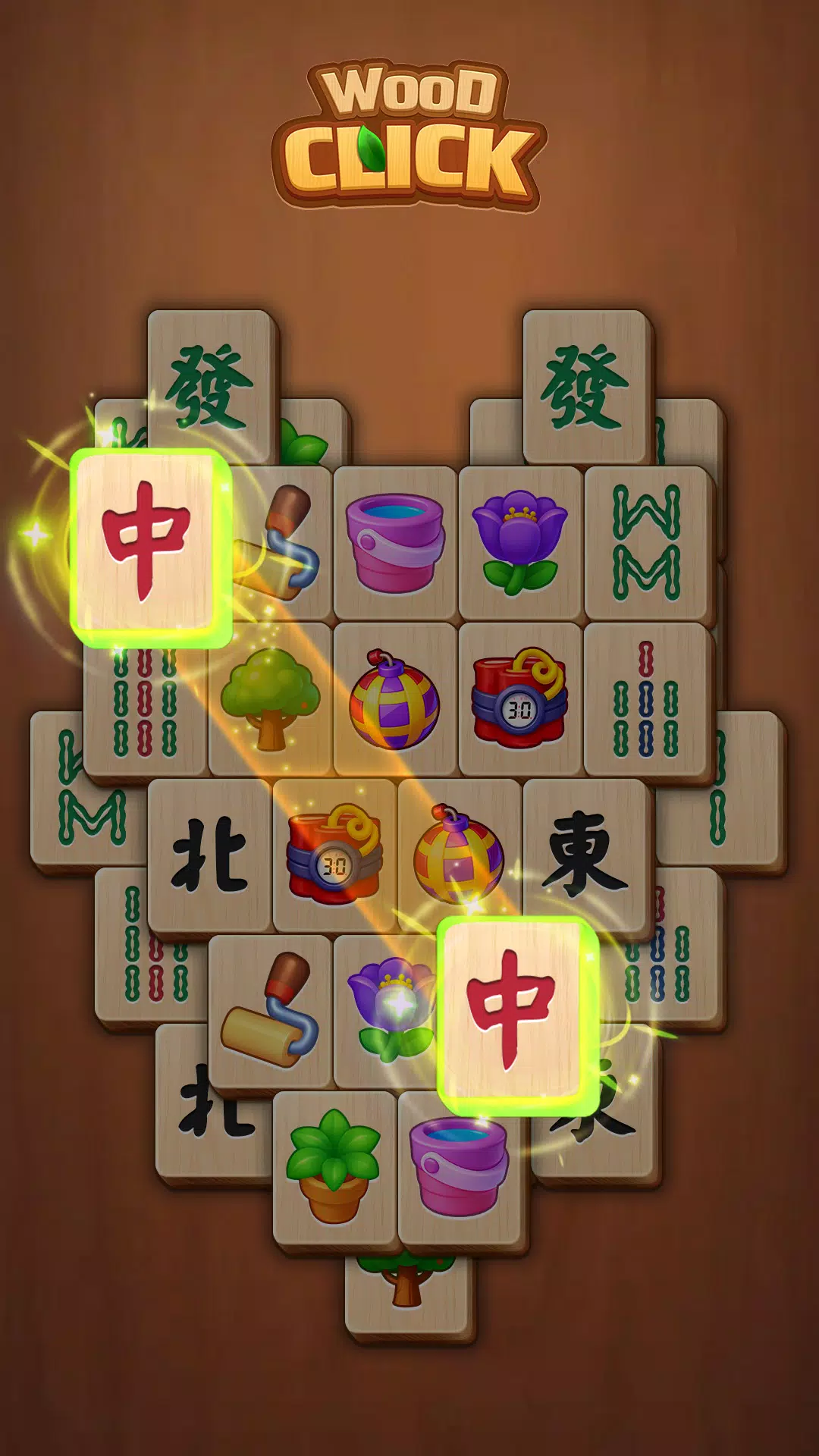
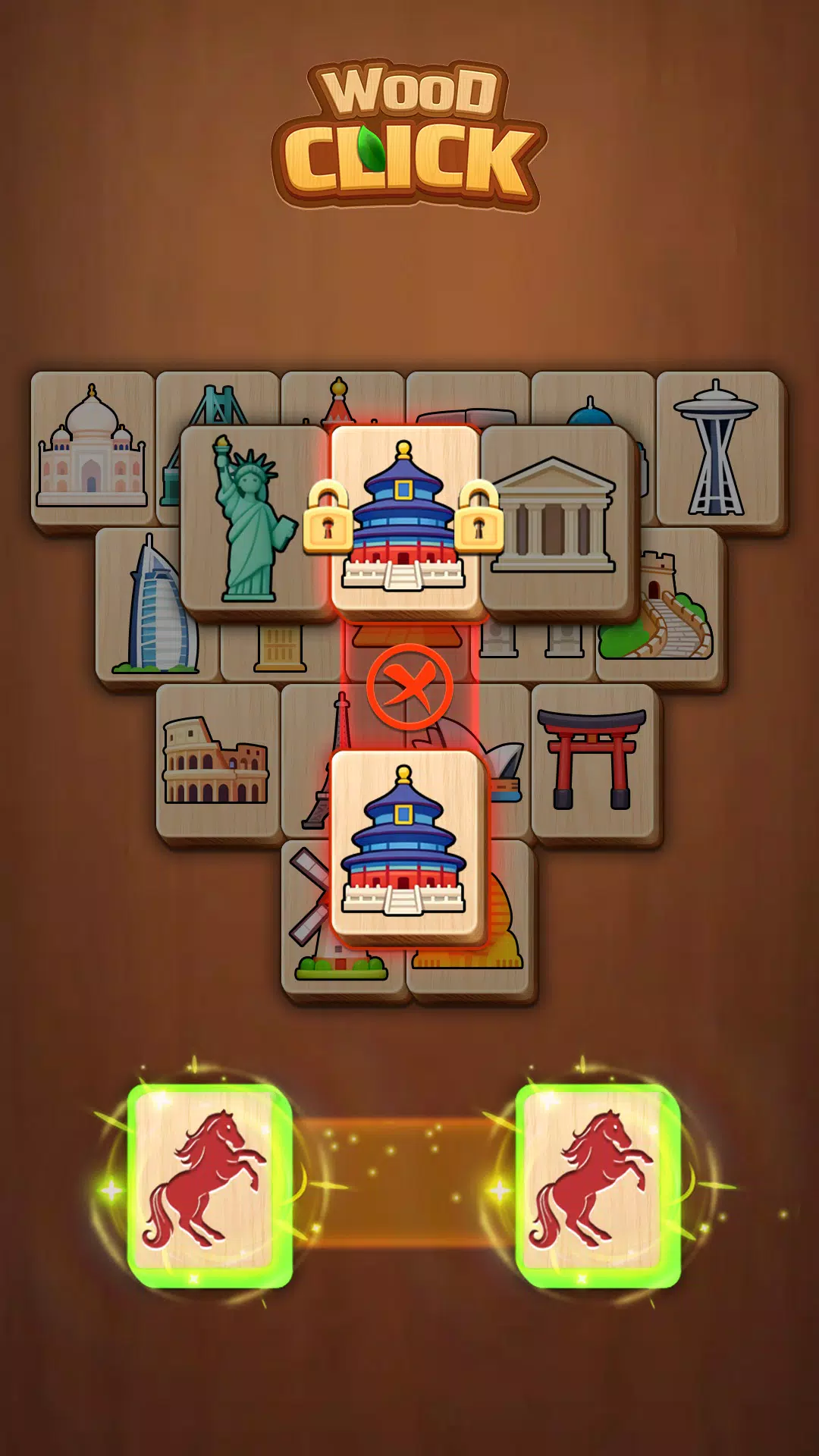
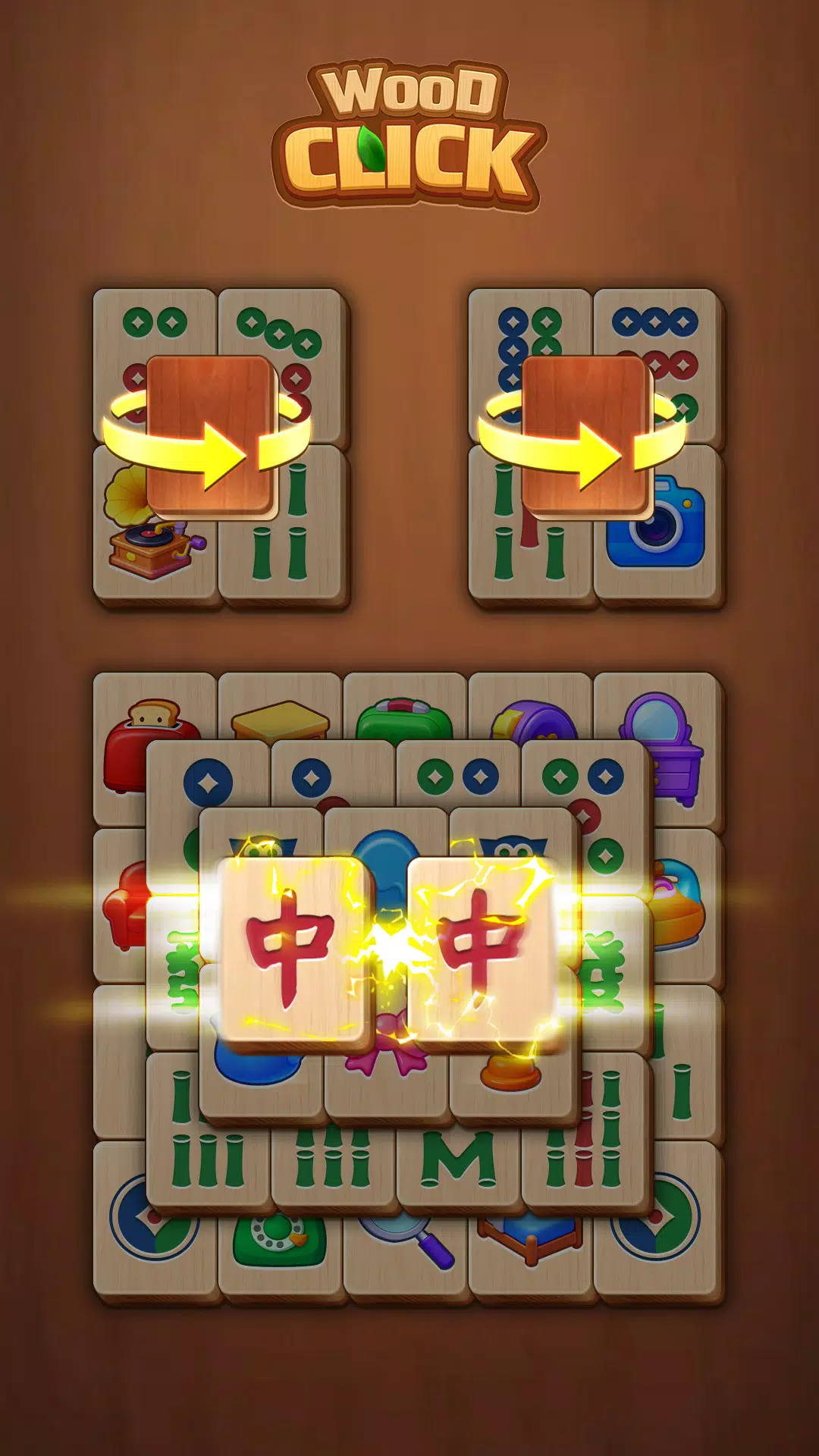
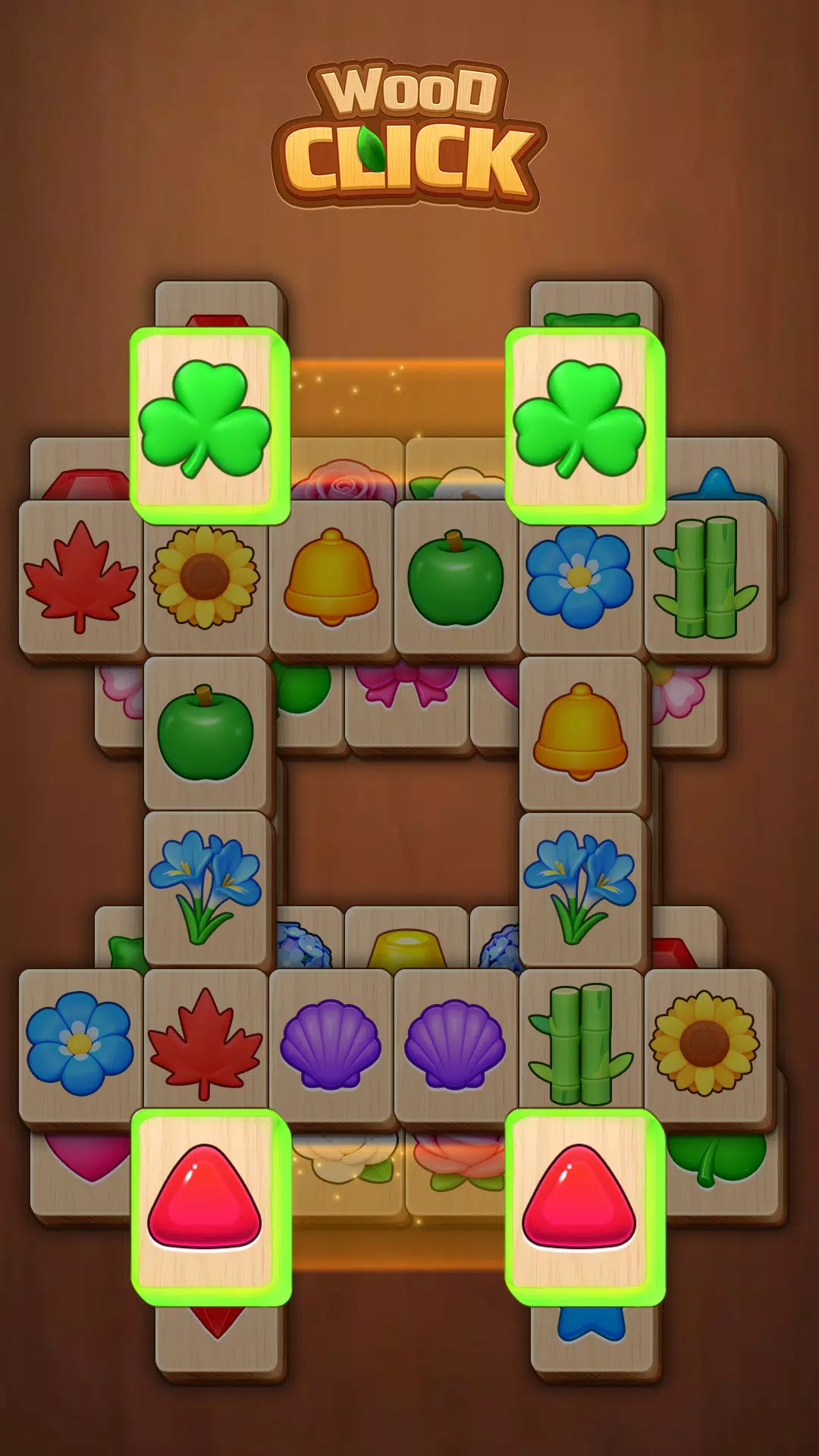
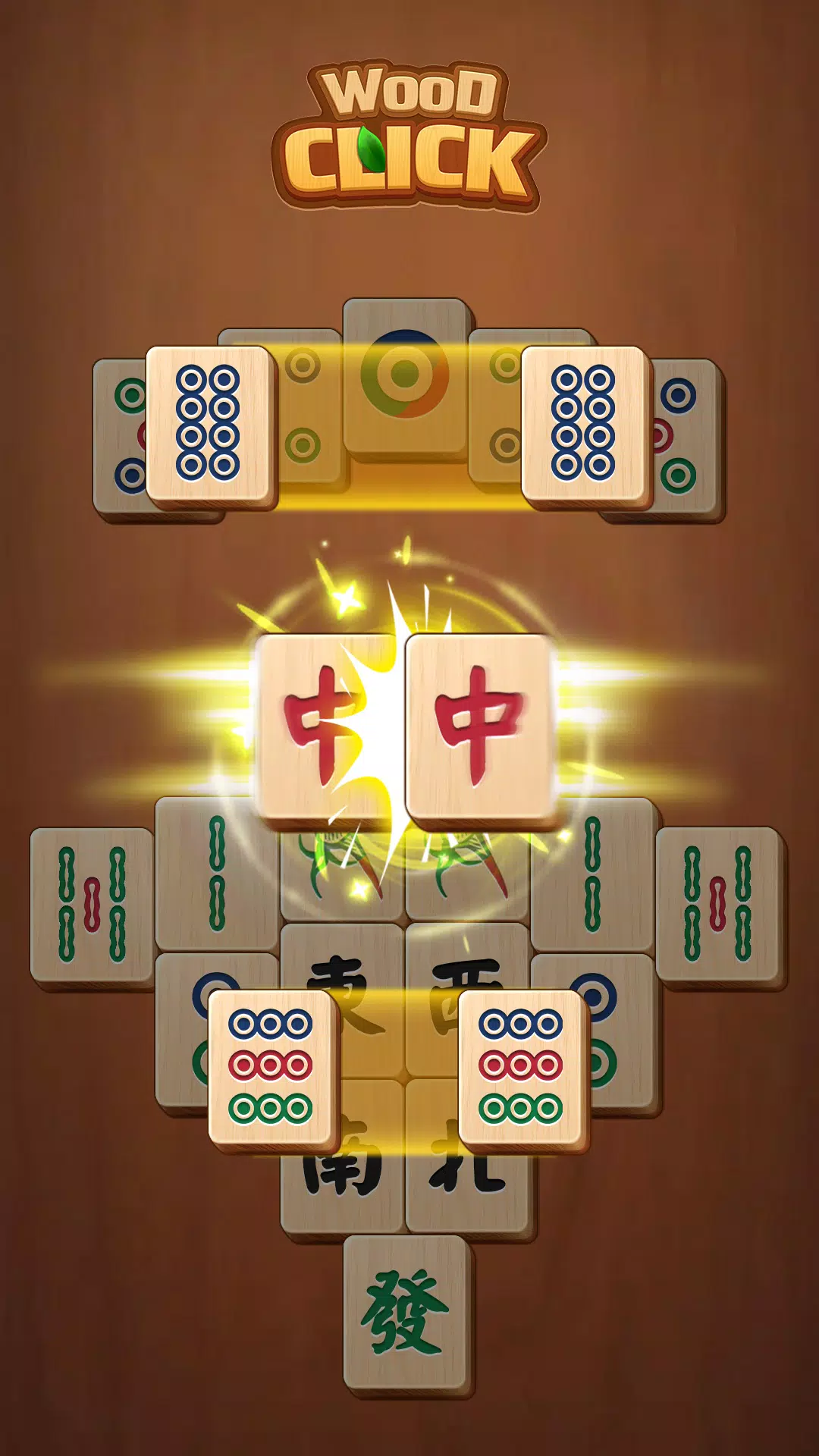
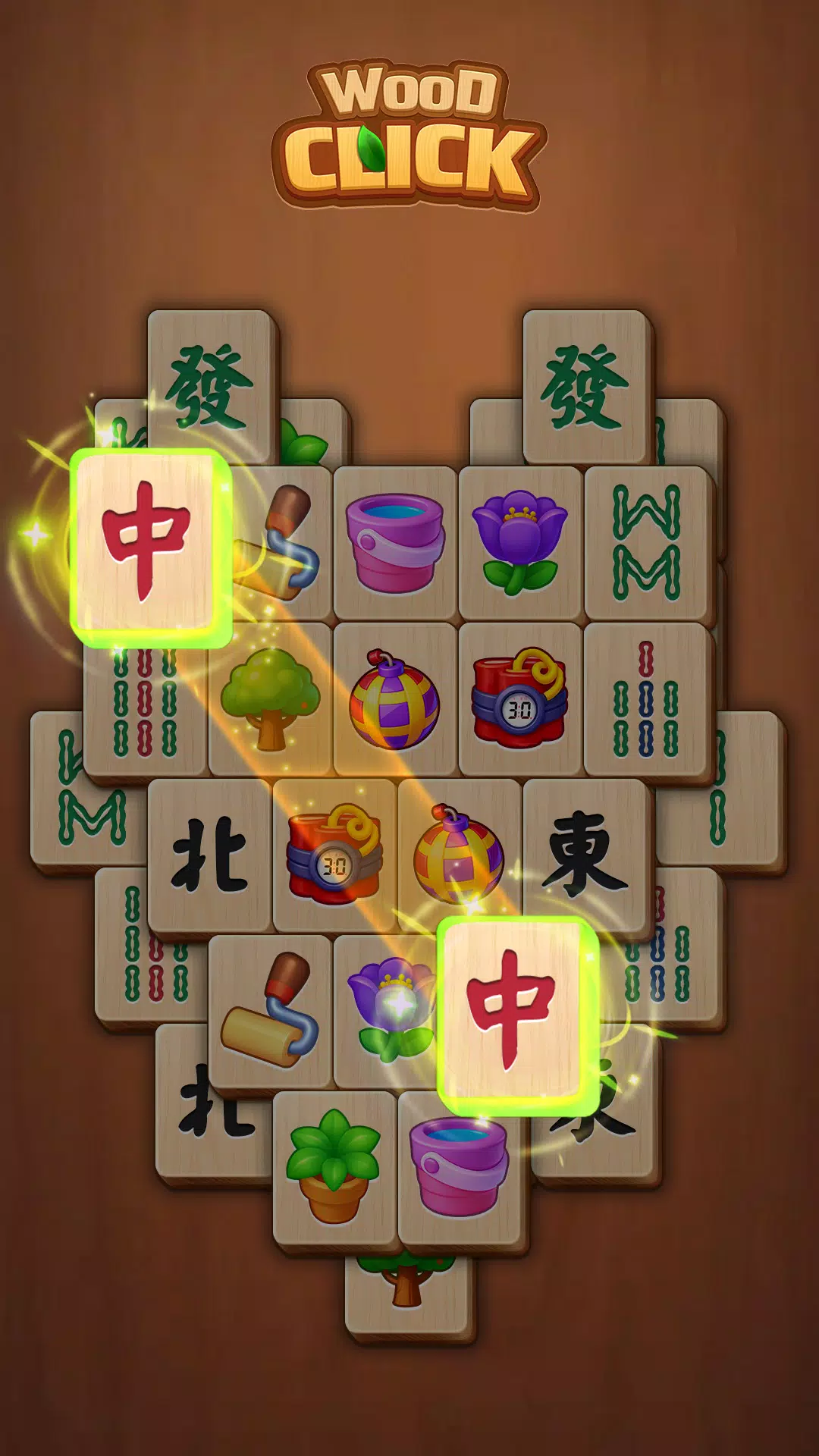
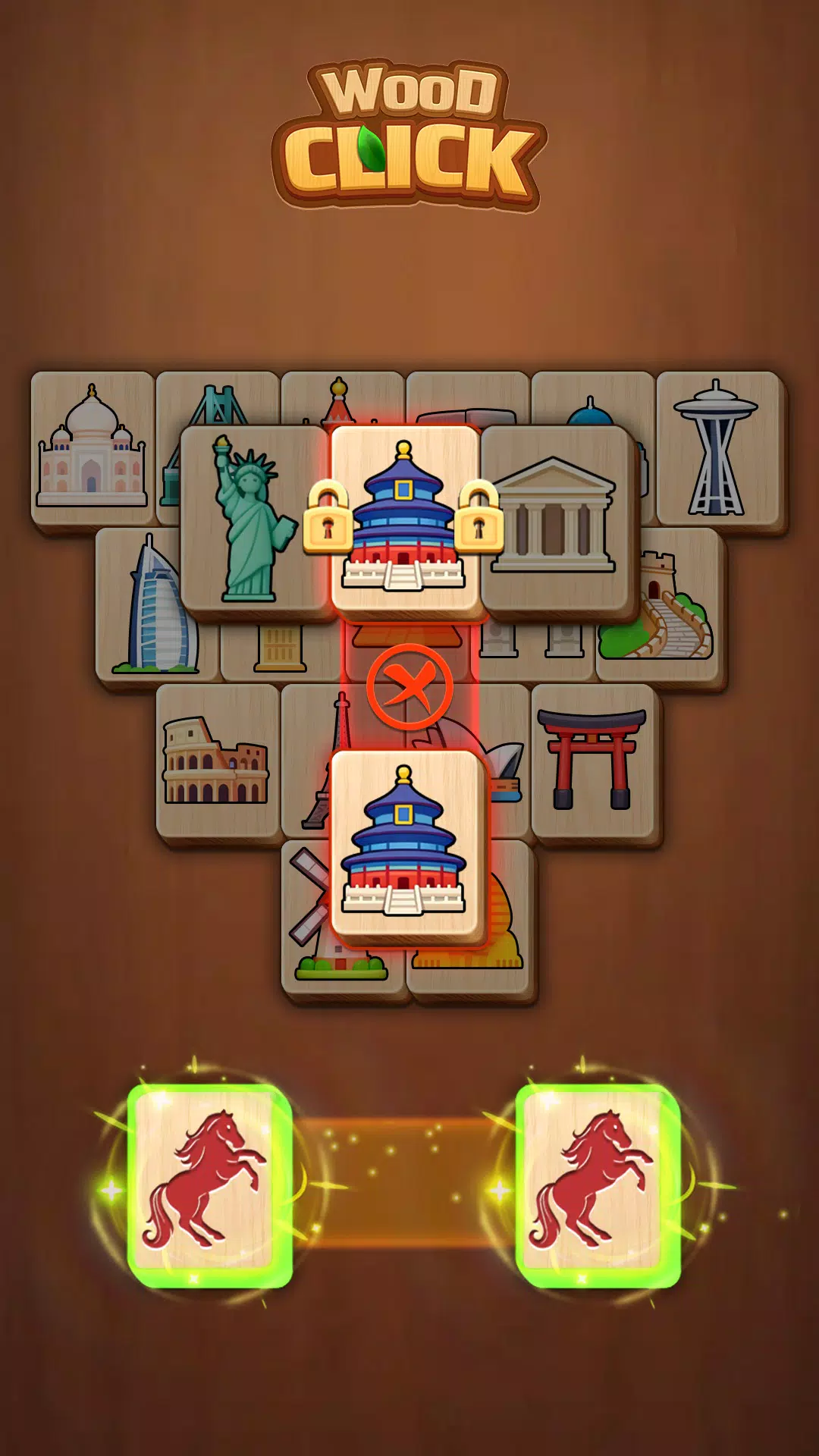
The core of Click Wood is simple and familiar: remove pairs of identical, unblocked wooden tiles until the board is clear. Boards are designed so every layout is solvable, and complexity increases naturally as you progress. Matching is intentionally low-pressure — there are no countdowns or forced moves — which emphasizes pattern recognition, planning and a calm rhythm rather than speed. When tiles are free on at least one side and not covered, tapping or sliding them will remove the pair and reveal new matching opportunities.
Controls are straightforward and suitable for touch devices: tap a tile to select it and tap a second matching tile to remove the pair, or slide a tile outward to dismiss it when a matching pair is chosen. The interface responds to deliberate gestures and provides clear visual feedback so selections are obvious. Large tile faces and high-contrast symbols reduce mis-taps and make the game comfortable on phones and tablets, including devices with larger screens used by older adults.
Level progression in Click Wood comes from increasingly varied layout shapes and stacking patterns rather than artificial timers or score gates. Early boards introduce simple two-layer or flat layouts, while later puzzles present multi-tiered stacks and more intricate arrangements. The game cycles through a very large number of solvable layouts so you can play short sessions or explore deeper puzzles in a single sitting. If you prefer, you can replay earlier layouts to practice pattern strategies and improve your mental model of tile relationships.
To support relaxed play, Click Wood includes modest helpers such as hint suggestions, an undo option and a shuffle feature that rearranges tiles when you are stuck. Hints reveal one available match without forcing a move, the undo function lets you reverse a single action, and shuffle offers a fresh arrangement while preserving the solvability guarantee. These tools are designed to keep sessions enjoyable and to reduce frustration, not to turn the experience into a constant hand-holding exercise.
The visual identity leans into warm wood textures, gentle color palettes and oversized tile symbols that read easily at a distance. The intentionally understated aesthetic supports focus rather than distraction: subtle grain patterns, soft shadows and muted backgrounds help the tiles stand out. Settings provide basic display adjustments to keep tiles large and legible, and a sleep-friendly mode dims nonessential UI elements so the screen is less intrusive before bedtime.
Click Wood is built with accessibility in mind: readable symbols, large touch targets and a calm pace make the game approachable for players with limited dexterity or visual sensitivity. The interface avoids flashing animations and removes pressure by eliminating timers, which can be especially helpful for older adults, people new to mobile games, or anyone seeking a low-stress pastime. Offline play support lets you use those accessibility benefits anywhere, without needing a data connection.
Replay value comes from the sheer variety of layouts and the subtle shift in challenge as you move through boards with different shapes and stacking rules. Because every layout is solvable, each session becomes an exercise in observation and strategy rather than luck. The combination of hint, undo and shuffle systems allows players to set their own difficulty curve: you can play purely by intuition, rely occasionally on assistance, or practice solving without help to sharpen your skills over time.
Click Wood runs smoothly on a wide range of phones and tablets and is designed to work offline so you can play without an internet connection. Save-and-resume behavior is straightforward: single-player progress is recorded locally so you can pause a session and return later. The small, focused feature set means quick load times and minimal battery impact, making it suitable for short breaks or longer winding-down sessions.
If you enjoy solitary puzzle play that favors calm, deliberate thought over frantic reaction, Click Wood offers a thoughtful take on classic mahjong solitaire. The game emphasizes a peaceful interface, accessible controls and a steady progression of board complexity. While it does not include competitive or multiplayer modes, it provides a dependable single-player experience that supports relaxation, improved concentration and gentle mental practice.
File size: 198.90 M Latest Version: 1.5.2
Requirements: Android Language: English
Votes: 121 Package ID: com.heartsnet.clickwood.gp
Developer: Heartsnet
Must Have Puzzle Games for Android
Are you searching for an enjoyable method to strengthen your intellect? Our hottest logical puzzle is tailor-made to offer a stress-free pastime experience. With beautiful graphics and chill background music, you can immerse yourself in an engaging world of logic and critical thinking. Solve increasingly tricky levels at your own pace, with no time pressure or lives system.






LIVE A HERO
Retro Hero Mr Kim
Empire of Passion
Arcane Quest Legends
Magic Snap: Momotaro
AllStar Manga Heroes
Lunescape
ONE PIECE Thousand Storm JP
Tap Titans 2