Category: Productivity Date:2026-04-09 09:12:01
Rating: 4.4
Scan to Download
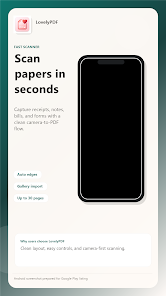
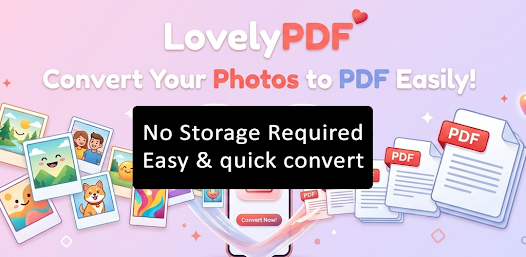
LovelyPDF - Image to PDF converts photos and scanned images into PDF documents quickly and simply. It preserves image quality and lets you combine multiple images into a single PDF for sharing or storage.
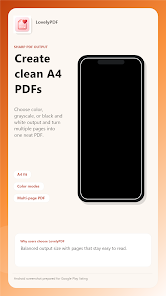
LovelyPDF - Image to PDF offers basic editing before export, including rotate, crop, reorder pages and adjust image quality. The app supports common image formats and creates standard PDF files suitable for archiving, emailing, or printing.
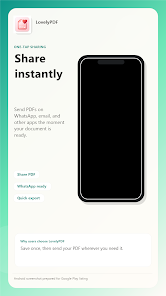
Open LovelyPDF - Image to PDF, select the images you want to include, arrange them in order, apply any rotations or crops, then export to PDF. Use the share option to send the PDF or save it to your device storage.
File size: 152.00 M Latest Version: 1.0.0
Requirements: Android Language: English
Votes: 163 Package ID: com.docpdf.scanner
Developer: Grantham Enterprises
LIVE A HERO
Retro Hero Mr Kim
Empire of Passion
Arcane Quest Legends
Magic Snap: Momotaro
AllStar Manga Heroes
Lunescape
ONE PIECE Thousand Storm JP
Tap Titans 2




























